Let me be upfront about something. I have a gaming desktop at home. It has an RTX 5090 in it. I game at 4K, everything maxed, ray tracing on, 165fps. Cyberpunk 2077 looks the way CD Projekt Red intended it to look. Rain on neon signs. Reflections in puddles. The kind of visuals that make you stop mid-mission just to look around Night City.
I also have an M1 Pro MacBook Pro 16-inch that I’ve been using for four years. It’s my work machine, my travel machine, my everything-outside-the-home machine.
And I do not need the M5 Pro.
I keep telling myself that. It’s not working.
Four Years Is a Long Time
When the M1 Pro launched, it felt like witchcraft. The performance, the battery life, the silence. I remember thinking this machine would be relevant for a decade.
Four years later, it’s still relevant. But it’s not the same machine it was.
Nothing dramatic has happened. Nothing crashed. No component failed. Typical to my experience with Apple products. But four years of macOS updates have quietly done their thing. Safari, which used to feel instant, now has a half-beat of hesitation before pages load. Apps take a breath before they open. Apple Mail, which I use across ten mailboxes, used to be snappy. Now it thinks before it catches up. Switching between heavy apps has a pause that wasn’t there before.
The new macOS with all its glass and translucency effects looks stunning. And you can count on my enthusiast self to not disable those visual effects to erm, save memory. But those visual layers have a cost on older silicon, and on the M1 Pro you feel it in the small moments throughout the day.

And DaVinci Resolve, which I use to edit videos for the channel, is where things get genuinely frustrating. I’m now editing 4K ProRes footage, and the M1 Pro struggles with it. Timeline scrubbing stutters. Exports take far longer than they should. And I keep running into low memory warnings, which on a 16GB machine editing ProRes is not a surprise but is absolutely a problem.
16GB of unified memory felt generous in 2021. In 2026, with 4K ProRes on the timeline, it is the ceiling I keep hitting.
And then there is the screen. If you have owned a MacBook Pro for more than a year you already know what I am about to say. The keyboard prints itself onto the display over time, leaving permanent ghosted impressions on the anti-reflective coating. Apple includes a cloth and suggests you place it between the keyboard and screen when closing the lid, which works in theory but becomes the kind of daily ritual you eventually stop doing. I replaced my display under warranty. The same problem came back within months. It happened on my previous MacBook too. Apple has quietly improved this across generations, and I am genuinely hoping the M5 Pro display holds up better, because replacing a display twice on the same machine is not a great feeling on a laptop at this price point.
The M1 Pro isn’t broken. But it’s no longer effortless. And once you notice that, you can’t unnotice it.
The Three Scenarios That Are Breaking Me
Here’s my actual life. I work from multiple locations. My desktop is at home. My MacBook goes everywhere else.
The hotel room. I travel for work fairly regularly. After a long day, I want to decompress. I open Cyberpunk 2077.
On my desktop, it’s 4K, maxed settings, ray tracing on, 165fps. Night City is alive.
On the M1 Pro in that hotel room, I’m at 1440p, medium settings, ray tracing off. I get around 60fps. It’s playable. Genuinely playable. But I know exactly what I’m missing because I play it every day at home. That knowledge doesn’t leave you during a session. I wrote about this in detail when I ran Cyberpunk 2077 on the M1 Pro and compared it against an RTX 5060 laptop. The M1 Pro held its own better than most people expected. But “holding its own” and “this is how the game should feel” are two very different things.
The office. My desktop is at home. When I’m working from the office, my MacBook is all I have. And that’s fine for work. But sometimes in the afternoon there’s a gap, and I just want a game of Dota 2 before heading back into work mode.
Dota 2 runs native on Mac, which is actually a bigger deal than most people realise. Native Metal support means no emulation, no compatibility headaches. On the M1 Pro it runs at 1440p on medium settings and I get around 60fps. Dota 2 at 60fps is playable. But it’s not 120fps. And when you know 120fps is possible on this machine with a GPU upgrade, 60fps starts to feel like a tax you’re paying for the wrong reasons.
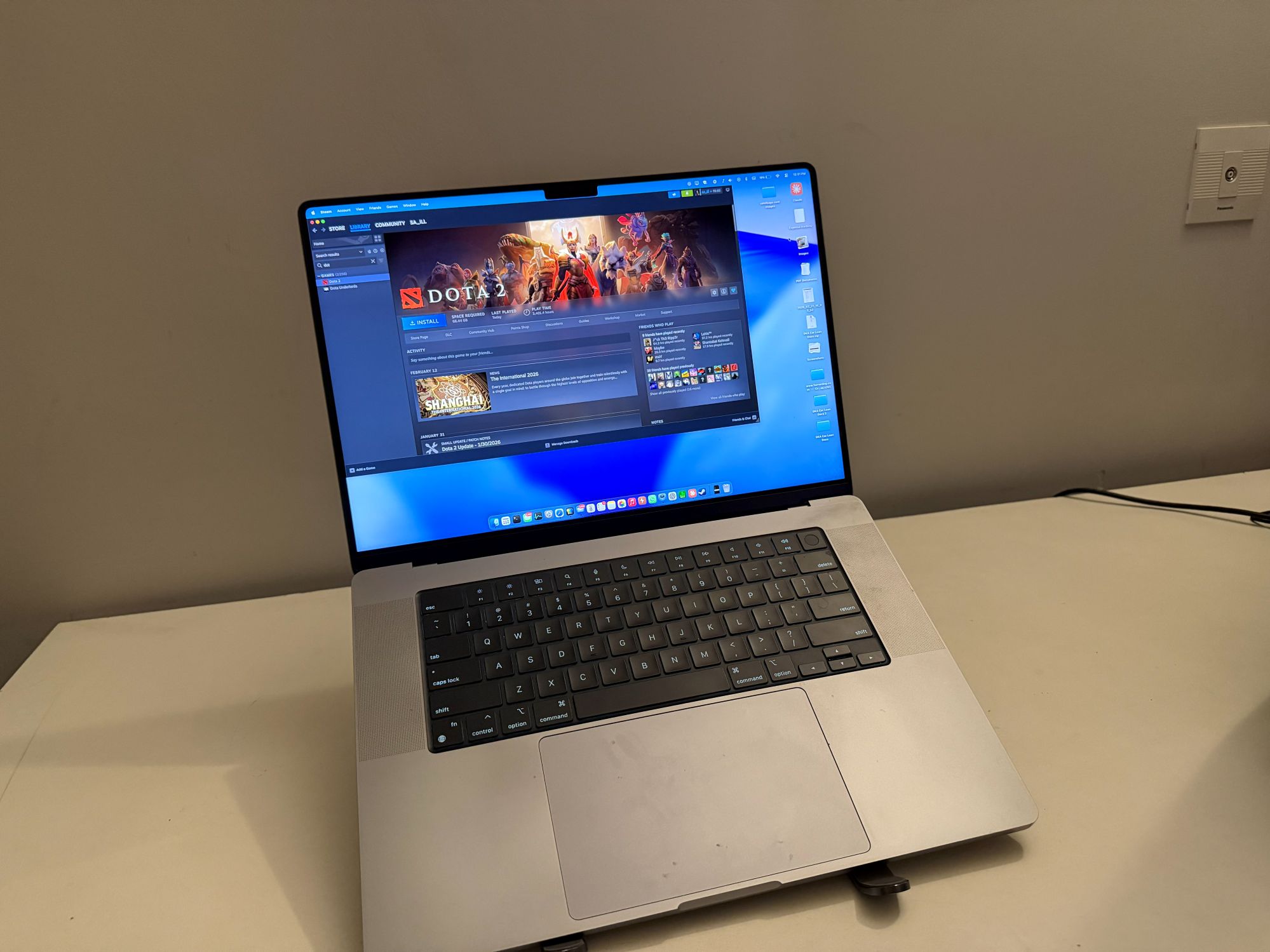
The gazebo. This one is the most specific, and probably the most relatable to anyone who has a toddler at home.
My house is noisy. A two-year-old makes sure of that. So a few times a week, I take my MacBook and head to a gazebo in my housing society. Outdoors but with a roof. I sit there for two to three hours and get actual focused work done.
After about two hours of solid work, I want thirty minutes of Dota 2. Not because I’m avoiding work. Because those thirty minutes reset my brain and I can come back and work properly for another hour before heading home.
On the M1 Pro, I can do it. But it’s a compromise. And sitting outdoors, knowing I’m leaving fps on the table for no good reason, takes a little something away from those thirty minutes that are supposed to be a genuine break.
Those thirty minutes matter. They’re the breathing room between work and going home to a toddler and a pregnant wife. I need them to actually feel like a break.
The AI Problem I Keep Ignoring
There’s another thing I haven’t mentioned yet. I want to start running local AI on my machine. Not for heavy model training, nothing extreme. Just the kind of on-device AI assistance that lets me work smarter without everything going to a cloud server.
On the M1 Pro with 16GB, that’s not really viable. The memory headroom isn’t there. Every time I’ve looked into it, the answer has been the same: you need more unified memory and a newer Neural Engine to do this without overwhelming your machine.
The M5 Pro starts at 24GB and goes up to 64GB. Its Neural Engine is generations ahead of the M1 Pro. Running a local LLM, using on-device Apple Intelligence features properly, leveraging AI as part of an actual daily workflow, all of that becomes realistic. I covered what the M5 chip makes possible in this space in my full M5 guide, and the local AI section alone was an eye-opener.
On my M1 Pro, local AI is a wish. On the M5 Pro, it’s a workflow.
So What Does the M5 Pro Actually Change?
The M5 Pro has a 20-core GPU. The M1 Pro has 16. But the core count isn’t the main story. The architecture has changed completely across four generations. The M5’s GPU generation-on-generation jump is one of the biggest Apple has ever made for gaming workloads, and going from M1 Pro to M5 Pro means skipping four of those jumps at once.
Cyberpunk 2077 on an M5 Pro runs at the MacBook’s native resolution, medium to high settings, with MetalFX upscaling doing the heavy lifting, at smooth framerates. Not 5090 territory. But not 1440p medium with ray tracing off either.
Dota 2 native on M5 Pro hits 120fps at higher settings. That’s not a minor upgrade from 60fps. That’s a completely different experience of the same game.
DaVinci Resolve on M5 Pro handles 4K ProRes the way it’s supposed to be handled. The memory ceiling disappears. The stuttering goes away. Exports that feel slow on the M1 Pro become fast enough that you stop noticing them.
And macOS feels fast again. All those glass effects that are quietly bogging down the M1 Pro are nothing to the M5. The machine Apple designed that software for is the M5, not the M1.
I’ll be honest about something else too. I’m already deep in the Apple ecosystem and I’ve written about what it feels like to be trapped in it and kind of like it. The M5 Pro isn’t a machine you consider in isolation. It’s the next chapter of a platform you’re already committed to. And when you frame it that way, the upgrade starts making a different kind of sense.
One Thing the M5 Pro Will Never Fix
The MacBook Pro 16-inch speakers.
I know that sounds like a strange thing to bring up in an upgrade article. But the speakers on my M1 Pro 16 are genuinely exceptional. They’re the reason I rarely reach for headphones when I’m working or watching something at the gazebo. Rich, wide, loud enough outdoors. They don’t sound like laptop speakers.
The M5 Pro 16 has the same speaker system. So this isn’t something I’d be giving up or gaining. It’s just something I’d be carrying forward, and I’m glad for it.
Why Not the M5 Air or the M5 Max?
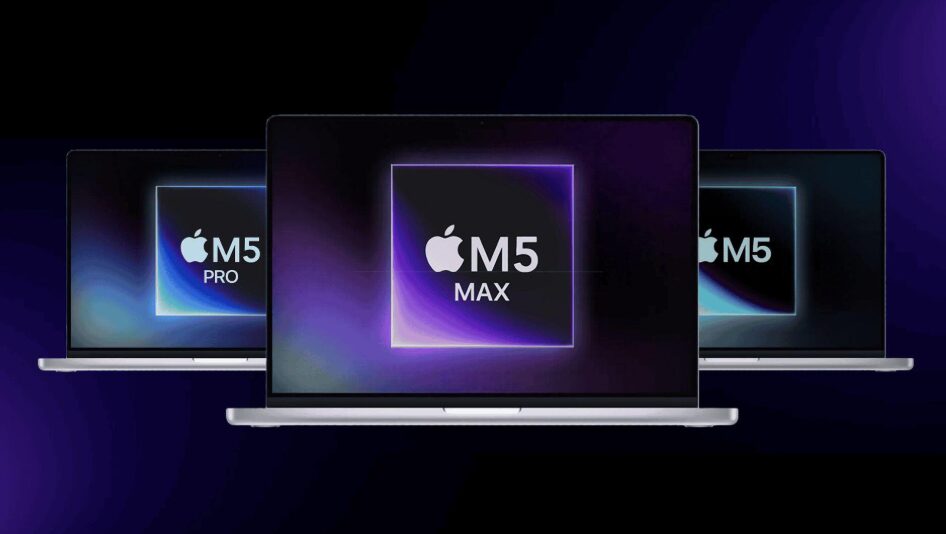
Fair question. Apple now has three MacBook lines with M5 inside and if I’m going to make a case for the M5 Pro specifically, I should be honest about why the other two don’t work for my situation.
The MacBook Air M5. On paper it looks tempting, especially at ₹1,19,900. And for most people it is genuinely the right Mac. But there is one thing that rules it out for me: it has no fan. A fanless design means the chip throttles under sustained load to manage heat. For casual work, browsing, even light video editing, you will never notice. But I am editing 4K ProRes footage. That is exactly the kind of sustained, heavy workload where the Air pulls back to protect itself. The M5 Pro in a MacBook Pro has active cooling and can hold peak performance for as long as the job takes. For my editing workflow specifically, the Air is the wrong tool regardless of how good the chip inside it is.
The MacBook Pro M5 Max. This is the other direction and the answer here is simpler. The Max is a remarkable machine built for people doing 8K video, complex 3D rendering, or serious machine learning work. I am not doing any of those things. Paying roughly ₹1,50,000 more over the M5 Pro for headroom I will genuinely never use makes no sense, especially when I already called the M5 Pro a luxury. The Max is overkill for my life and I have enough self-awareness to admit it.
The M5 Pro sits exactly where I need it. Enough GPU for the gaming gap I want to close. Enough memory to handle 4K ProRes and local AI without hitting a ceiling. Active cooling for sustained workloads. And a price that, while painful, is at least defensible given what it fixes.
The Honest Conclusion
I don’t strictly need the M5 Pro. My M1 Pro still gets work done.
But the 4K ProRes editing struggles are real. The 16GB memory ceiling is real. The 60fps Dota 2 when 120fps is possible is real. The AI workflows I want but can’t run without overwhelming my machine are real. The slight lag in Mail, in Safari, in the overall feel of an OS that has quietly moved on from the hardware it’s running on is real.
And for the hotel room, the office, and especially the gazebo, the M5 Pro would close gaps that the M1 Pro has been quietly reminding me exist for the last couple of years.
If I could afford it right now, I would go for it. No hesitation. Not for the spec sheet. Not for the benchmark numbers. For thirty better minutes of Dota 2 in a gazebo, after two hours of work, before heading home to the chaos I love.
That’s a luxury. I know it’s a luxury. But it’s a very specific, very personal, very honest one.
And that’s the problem with one look at the M5 Pro. Once you know exactly what it would fix in your life, it’s hard to unknow it.
Saahil is the founder and Editor-in-Chief of iLLGaming. He daily drives an M1 Pro MacBook Pro 16-inch and games on a desktop with an RTX 5090. He has not been given an M5 Pro to review. Yet.