There’s a setting on my MacBook Pro that I have never voluntarily opened.
System Settings. Apple Intelligence and Siri. It’s right there. My M1 Pro supports it. I’m running macOS Tahoe. Everything Apple needs from me, hardware and software, is in order. And yet, after months of Apple Intelligence being available on this machine, my usage of it sits at exactly zero.
Before I explain why, I want to separate two conversations that almost everyone conflates. Because one of them, Apple actually got right.
Let’s Get the Privacy Question Out of the Way First
When people push back on AI tools, privacy is usually the first objection. You’re typing into a black box, your data is going somewhere, a server farm is storing your prompts, a company is training its next model on your words. These are legitimate concerns about most AI tools on the market today.
Apple Intelligence is genuinely different, and I want to be clear about that before I criticise anything else.
Most Apple Intelligence features, Writing Tools rewriting a paragraph, summarising a note, cleaning up a photo, run entirely on your device.
Most Apple Intelligence features, Writing Tools rewriting a paragraph, summarising a note, cleaning up a photo, run entirely on your device. My M1 Pro handles the computation locally, using a roughly three-billion-parameter model optimised for Apple Silicon. Nothing leaves your Mac. The data never touches a server.
For tasks that need more processing power than your chip can handle on-device, Apple built Private Cloud Compute. This is a cloud system running on Apple Silicon servers where your data is processed but never stored, never used for training, and, crucially, never accessible to anyone other than you. Not even Apple’s own engineers can see it. Apple removed SSH, remote shells, and administrative tools from PCC nodes entirely. There is no backdoor. The privacy promise is also independently verifiable through cryptographically signed binaries and transparency logs that security researchers have been reviewing since launch.
Apple does not train its foundation models on your personal data or your interactions. That’s a documented, stated policy and the architecture enforces it structurally, not just contractually.
One caveat worth naming honestly: when Siri punts a request to ChatGPT, that data is no longer covered by Private Cloud Compute. Apple warns you before this handoff happens, but once you agree, you’re under OpenAI’s terms, not Apple’s. Keep that in mind.
One caveat worth naming honestly: when Siri punts a request to ChatGPT, that data is no longer covered by Private Cloud Compute.
As for the Google Gemini deal that made a lot of noise earlier this year: the Gemini model weights run inside Apple’s own infrastructure, not on Google’s servers. No user data goes to Google. Tim Cook said it plainly: “We’re not changing our privacy rules. We still have the same architecture that we announced before, which is on device plus Private Cloud Compute.” That’s been consistent across every clarification since the partnership was announced.
So on privacy, Apple wins. Genuinely, not just in marketing language. If your reason for not using Apple Intelligence is distrust of where your data goes, this is the one AI system where that concern is architecturally solved. My reason for not using Apple Intelligence is different, and honestly more frustrating. The features just aren’t useful enough yet.
Writing Tools: I Already Have Something Better Open
Writing Tools is probably Apple Intelligence’s most visible feature. Select any text anywhere on your Mac and you can ask Apple to rewrite it, proofread it, or summarise it. It works in Mail, Notes, Pages, Safari, and pretty much anywhere you type.
On paper, this should be useful for someone who writes for a living. In practice, I never reach for it. By the time I’m writing something that needs reworking, I’ve already opened ChatGPT. The feedback is more detailed, the rewrites are better, and I can have a back-and-forth about what I actually want. Writing Tools gives me a one-shot rewrite with no context about what I was trying to say.
This isn’t Apple Intelligence being bad at writing. It’s Apple Intelligence being worse than what I already use, integrated into a place I don’t need integration.
There’s also a persistent problem that hasn’t been fixed: Apple Intelligence rewrites your paragraph without tracking what changed. The original is gone. You can’t see what it altered. For an editor, that’s a dealbreaker. This isn’t Apple Intelligence being bad at writing. It’s Apple Intelligence being worse than what I already use, integrated into a place I don’t need integration.
Notification Summaries: I Turned These Off After the BBC Incident
Notification Summaries are exactly what they sound like. Apple Intelligence groups your notifications and shows you a condensed version of what you missed. The idea is good. The execution was a genuine disaster.
Apple’s AI told some users that BBC News had reported Luigi Mangione had shot himself. He hadn’t. The same system told users that Rafael Nadal had come out as gay. He hadn’t. That Luke Littler had won the PDC World Darts Championship, hours before the event had even concluded. He hadn’t yet.
Apple’s response was to add a warning below the toggle that now reads “Summaries may contain errors” and to italicise AI-generated text to distinguish it from what the app actually sent. That’s an acknowledgment of a structural problem dressed up as a settings change.
I cover tech. I read a lot of news. The idea of my Mac confidently hallucinating headlines and presenting them as BBC News content is something I’m not willing to tolerate for the occasional convenience of grouped notifications. These are off on every device I own.
Siri: Still Not the Assistant I Was Promised
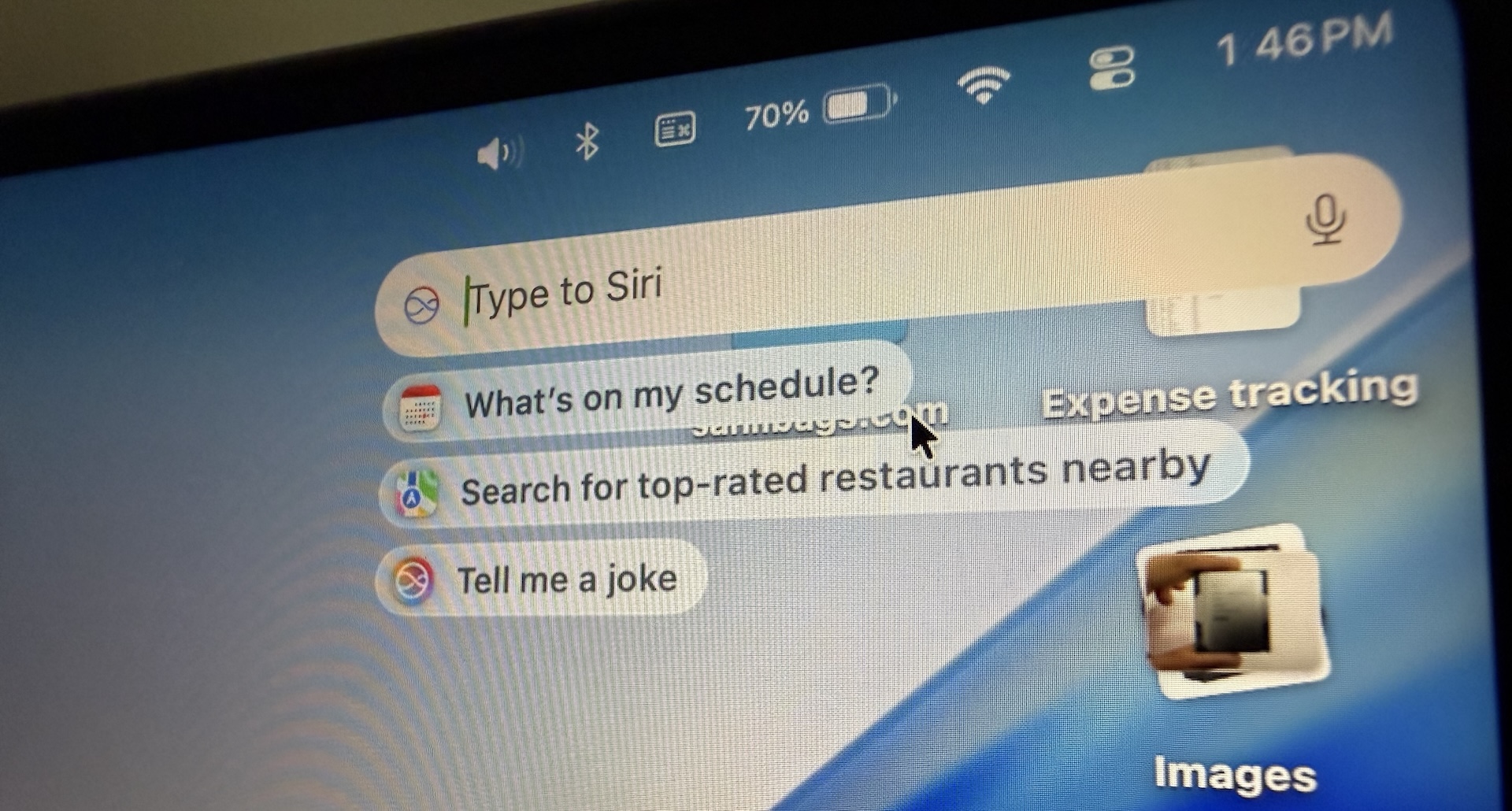
Siri on Mac has improved. You can type to it now. It maintains context from one question to the next. It has decent knowledge about Apple’s own features and settings. These are real improvements over what Siri was a few years ago.
What I have right now is a better Siri. What Apple promised was a different Siri entirely. I’m not going to build a workflow around a product that keeps promising to become what it hasn’t been yet.
But the version of Siri Apple actually demonstrated when they announced Apple Intelligence, the one that could look at your emails and messages and tell you something useful about your day, the one with genuine personal context awareness, that version still isn’t here. It was delayed out of iOS 18, then further, then further again. The more capable Siri powered by Apple’s Gemini-trained foundation models is expected later this year, possibly with iOS 26.4.
What I have right now is a better Siri. What Apple promised was a different Siri entirely. I’m not going to build a workflow around a product that keeps promising to become what it hasn’t been yet.
Image Playground and Genmoji: Not for Me
Apple Intelligence lets you generate images in a cartoony Apple style and create custom emoji. These are features Apple showed enthusiastically in keynotes and that most people, including me, opened exactly once out of curiosity and then forgot about. If you need to generate images for actual work, you have tools that produce results you can use professionally. Apple’s image generation is for people who want a fun illustration of their dog in an astronaut suit. That’s a real use case. It’s just not mine.
Photos Search: The One Thing That Actually Works
Natural language photo search is genuinely good. Searching for a specific memory or a person’s name and having the right images surface immediately is the kind of frictionless experience Apple usually delivers. The Clean Up tool works well enough for everyday use.
I actually use these. But they exist entirely inside the Photos app and don’t require any ongoing relationship with Apple Intelligence as a system. I’m not going to give Apple credit for the whole platform on the basis of one well-executed Photos feature.
So Whose Problem Is This?
Apple Intelligence is available on my M1 Pro. Apple says the Neural Engine in M1 is capable. The software is current. And I, someone who writes about technology for a living and uses AI tools every single day, haven’t found a single Apple Intelligence feature compelling enough to make part of my routine.
The features that could change this, a Siri with genuine personal context, notification summaries that don’t hallucinate, writing tools that work collaboratively rather than destructively, either don’t exist yet or arrived broken and are only now being fixed.Apple announced Apple Intelligence in June 2024. Nearly two years later, the version of it I was actually excited about still hasn’t shipped.
There’s also a hardware dimension worth naming. The M1 Neural Engine handles around 11 trillion operations per second. The M5 reaches roughly 133 TOPS, about twelve times the M1. Apple explicitly says Apple Intelligence performs better on M5, that on-device AI tasks have more headroom, that the experience Apple is designing toward assumes significantly more neural compute than my chip provides. I’m running Apple Intelligence on the minimum spec chip. Would it feel meaningfully different on an M5 Pro? Possibly. I can’t answer that honestly without one in my hands.
The MacBook Neo exists now too, at a remarkable Rs 49,900 starting price for first-time Mac buyers. That’s a different story for a different audience. This article is for the people who already bought in and are still waiting for Apple Intelligence to earn its place.
What WWDC 2026 Needs to Change
Apple’s developer conference is next week, on June 8. The previews suggest something significant is coming: a revamped Siri with far more personal context, further Apple Intelligence features, and what people watching early builds have described as Apple’s most ambitious AI push yet.
A private AI tool that doesn’t fit into how I actually work is still a tool I won’t use.
This is the moment Apple has been building toward since 2024. The question is whether what ships this fall finally delivers the experience that was promised, or whether it’s another layer of features that look impressive on a keynote stage and sit unused on devices that technically support them.
Apple got privacy right. That’s not a small thing, and it’s not something I take for granted when everything else in the AI space is training on your data without asking. But privacy is the foundation, not the product. A private AI tool that doesn’t fit into how I actually work is still a tool I won’t use.
My M1 Pro is ready. The privacy architecture is there. The on-device infrastructure is in place.
Apple just needs to build something worth turning on.