Verdict

Introduction
The SanDisk Extreme Fit 512GB delivers around 400MB/s sequential reads, but sustained writes fall to roughly 78MB/s after its ~5.5GB cache fills. It’s extremely small and convenient, but its poor random performance makes it unsuitable for running applications, games or editing projects directly from the drive.
Flash drives are one of those categories that stopped being interesting somewhere around 2015. They got big enough, they got fast enough, and then everybody moved on to worrying about NVMe drives instead. So when SanDisk sent the Extreme Fit out into the world claiming the smallest 1TB USB-C drive ever made, our interest was less about the speed and more about the shape of the thing.
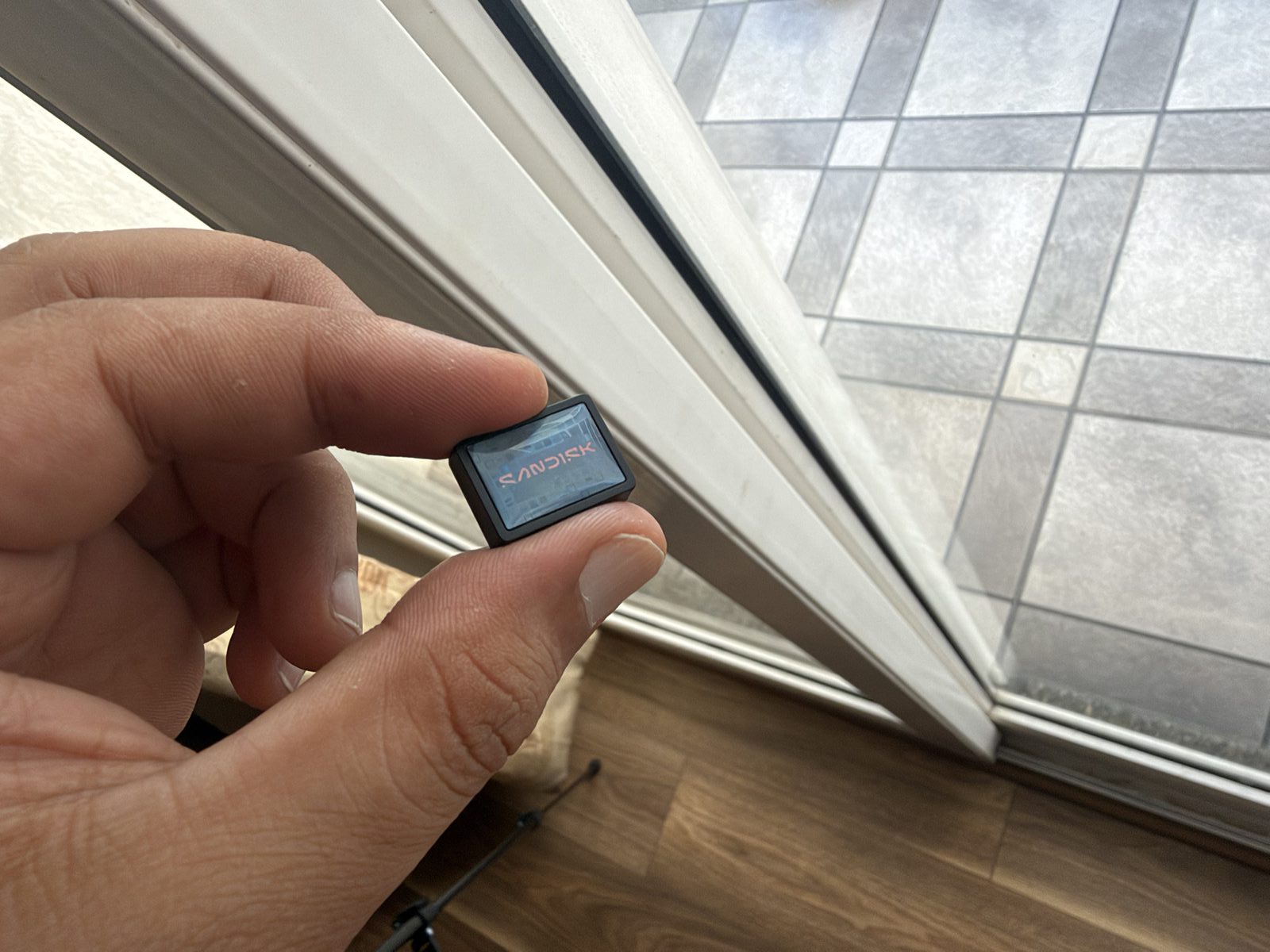
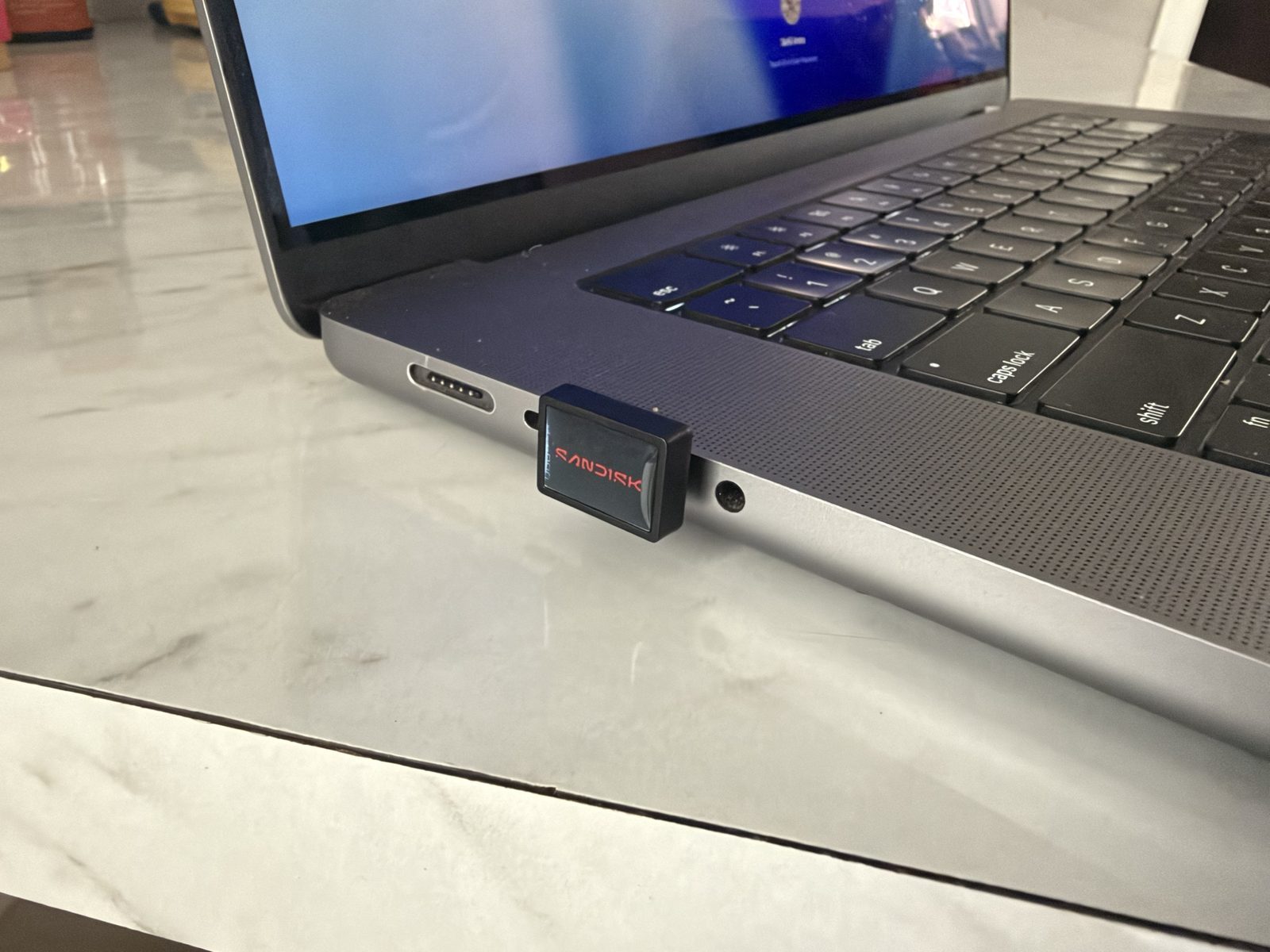
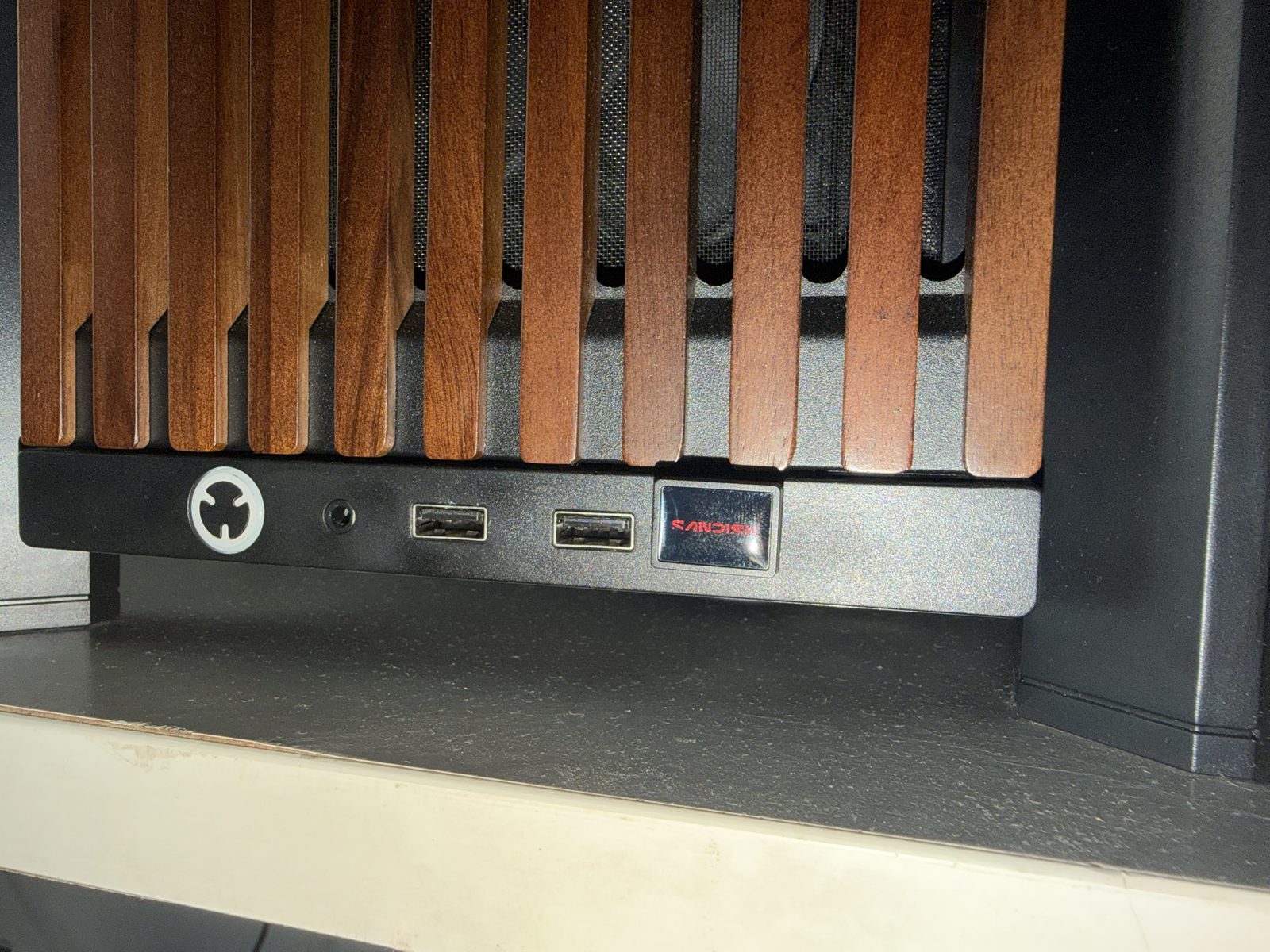
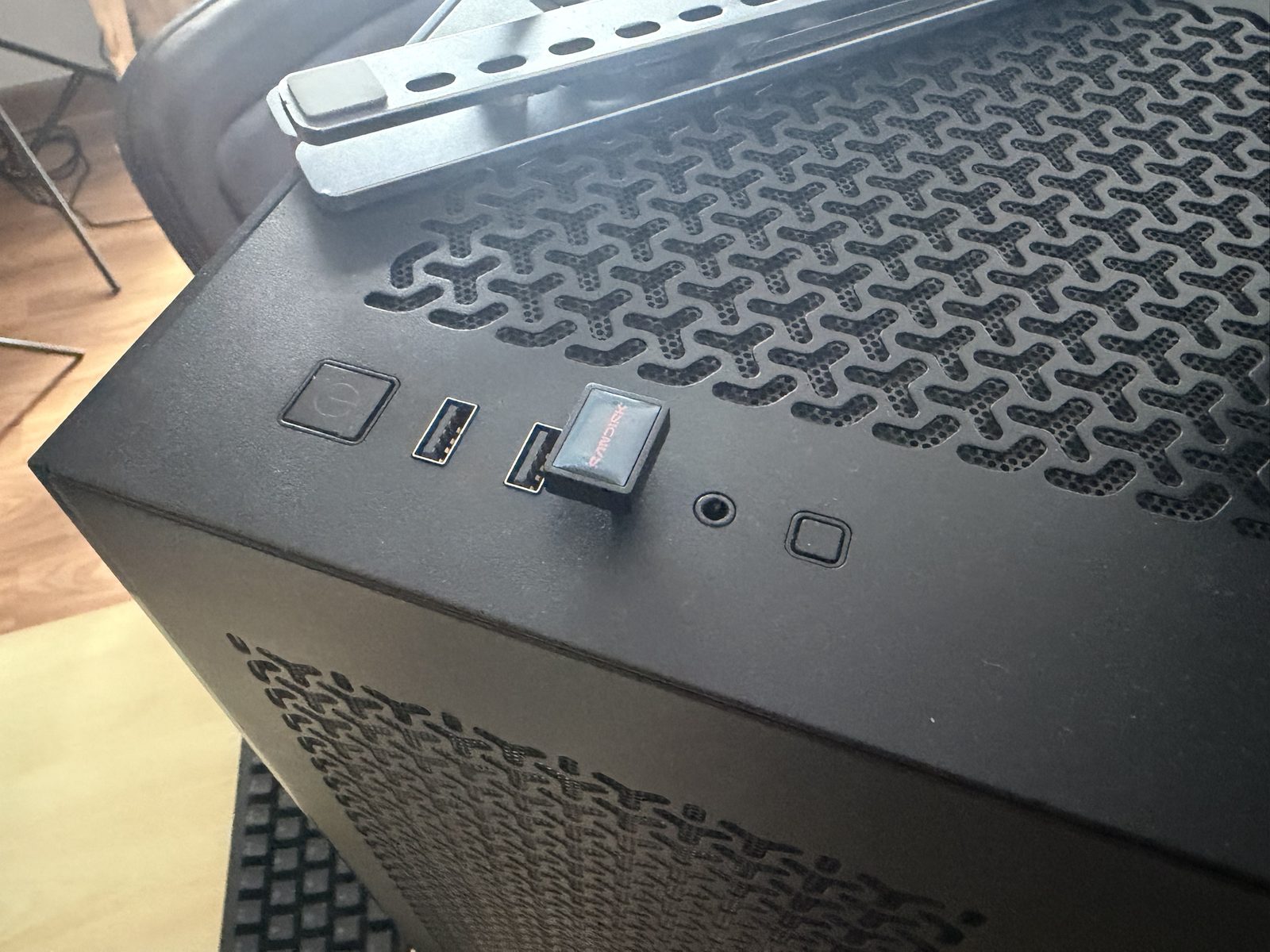
And the shape really is the product here. The 512GB unit we have been testing is smaller than the nail on our thumb. It has an L-shaped body that tucks flat against the side of a laptop, no cap to lose because there isn’t one, and a claimed read speed of up to 400MB/s. Plug it into the back of a desktop and you will genuinely forget it is there. Ours has been sitting in a rear USB-C port for over a week now and we have walked past it every day without noticing.
But we have been at this long enough to know that a spec sheet with only half the numbers on it is usually hiding the other half for a reason. So we ran it through the tests nobody bothers running on a thumb drive, and what came out the other side is a drive that does one job very well and falls apart the moment you ask it for anything else.
A word on which one we tested
Our review unit is the 512GB, and most of what follows applies to the whole range. Every size shares the same body, the same USB 3.2 Gen 1 connection and the same basic design, and SanDisk rates everything from 128GB up at the same 400MB/s read (the 64GB is rated lower, at 300MB/s). The weakness we found with small files comes from the kind of controller and memory inside, not the capacity, so expect that on every size, and the heat comes from the size of the body, which does not change either.
What probably does change is write speed. On flash drives like this, the fast cache we talk about below usually grows with capacity, and bigger drives tend to write faster because there are more memory chips working at the same time. So treat our write figures as the 512GB’s numbers. The 64GB and 128GB will most likely run out of cache sooner and write a little slower, and the 1TB may well hold up a bit better. We would rather tell you that than pretend one drive speaks for all five.
The 400MB/s read claim is honest
Let us start with the good news, because SanDisk has actually earned it here.
CrystalDiskMark is the de facto test for storage, the one everybody runs, and it hammers a drive with a set of standard read and write patterns before spitting out a score for each. We ran it three separate times, five passes each, with a 1GiB test size. Sequential read averaged 408.93 MB/s, and every individual run landed between 403 and 414 MB/s. The rated figure is 400MB/s and the drive comfortably beats it.
Synthetic tests only tell you so much though, so we also read a single 50GB file back off the drive, which is closer to what you actually do with one of these. The whole thing came off in 2 minutes and 14 seconds at 372 MB/s, in two of our three runs. The third run did even better, 394 MB/s, and finished in 2 minutes and 6 seconds (we cannot tell you why that one was quicker, and we would rather say so than pretend otherwise). Either way it is right around the rated figure, which is completely normal, the number on the box is always the short-burst one.
That matters more than it sounds, because read speed is what you actually feel when you are pulling a folder of footage off a drive and onto a working machine. For a drive this size, that is legitimately impressive and nothing else this small does it.
Writes, on the other hand
Sequential write in CrystalDiskMark averaged 151.90 MB/s. Same port, same session, seconds apart from the read test.
That works out to 37% of the read speed, and here is the part we found interesting: there is no write figure printed anywhere. Not on the box, not on the packaging, not on the product page. You get “up to 400MB/s” in large friendly letters and complete silence on the other half of the equation. Draw your own conclusions!
To be fair to the drive, 152 MB/s is not a disaster for what this product is for. The trouble is that it does not hold 152 MB/s for very long.
So what happens when you actually fill it?
CrystalDiskMark writes in short bursts, a few seconds at a time, which is perfectly fine for comparing drives but tells you very little about what happens when you drag a proper folder onto one. So we wrote our own test that does exactly that, one continuous 50GB write with the speed logged every single second, and ran it three times.
For roughly the first 5.5GB the drive behaves the way CrystalDiskMark said it would, averaging around 140 MB/s. Then, about forty seconds in, it drops off a step and lands at 77.6 MB/s. And there it stays, for the rest of the 50GB, barely moving. The stretch from 10GB to 15GB averaged 77.8 MB/s, and the last 5GB, a good nine minutes later, averaged 77.6 MB/s.
What you are looking at is almost certainly a write cache. Like most flash storage these days, the drive soaks up incoming writes into a small, faster slice of its memory and moves them into the slower bulk storage behind it, and on our unit that faster slice is good for around 5.5GB. Once it is full, you are writing at the speed of whatever sits underneath, and that is 77.6 MB/s. The good news, if you want to call it that, is that the line after the drop is flat. No second cliff further in, no slow sag, just the same speed from the tenth gigabyte to the fiftieth.
Copying 50GB onto the Extreme Fit took us 10 minutes and 14 seconds. Filling the whole thing, going by that sustained rate, would take somewhere around an hour and forty-six minutes. If you are loading it up with a big project the night before a shoot, start early.
There is one more wrinkle, and it is a strange one. The very first time we ran this test, on a drive that had barely been used, it held 85.6 MB/s after the cache ran out. Every run after that settled at 77.5 to 77.7 MB/s, and stayed there. So the drive you unbox is roughly 10% quicker at writing than the drive you will actually own a week later. We have a fair idea why this happens with flash storage in general, but we cannot prove it for this drive, so we will leave it at what we saw: it slowed down once, and then it stopped slowing down.
The back-to-back test shows the other side of the same coin. We copied one 10GB file onto the drive three times in a row, with no pause in between, and repeated the whole thing on two separate occasions. The first copy, coming after the drive had sat idle for five minutes, took 95.7 and 99.3 seconds. The copies straight after that took anywhere from 114.6 to 129.4 seconds, which is 18 to 32% longer. The first copy gets the fast 5.5GB for free, the ones straight after it get only whatever the cache has managed to clear in the meantime, and that varies.
In practice that means the Extreme Fit rewards you for giving it a breather between big jobs, and punishes you (gently, but it adds up) for dumping one folder straight after another.
It gets HOT
We did not expect to write a section about heat for a USB stick, but here we are.
After our sustained write and copy tests, we measured the surface of the drive at between 60.8 and 62.5 degrees Celsius, in a room sitting at 30 degrees. That is not quite frying-an-egg hot, but it is closer than you would like, and it is too hot to hold between your fingers for more than a second or two.
The good news is that the heat did not seem to hurt performance. The write speed stayed flat from the tenth gigabyte to the fiftieth, even as the drive was warming up, so whatever SanDisk is doing to manage temperatures, it is not throttling the drive in a way we could see. The practical advice is simple enough: if you have just copied a big folder onto it, give it a minute before you pull it out of the port.
Random 4K Performance
Sequential speeds tell you how fast a drive moves one big file. Random 4K speeds tell you how fast it handles thousands of tiny scattered reads and writes, which is what happens when a game loads its assets, when an application opens, when Lightroom builds previews, when Windows does literally anything. It is the difference between a drive that carries software and a drive that can run it.
The Extreme Fit managed 12.83 MB/s random 4K read and 3.52 MB/s random 4K write, both at queue depth 32.
Put those next to its own sequential figures and the drop is almost comical. Random read is about 3% of this drive’s sequential read. Random write is about 2% of its sequential write.
If synthetic numbers do not mean much to you, here is the same weakness in a form you have almost certainly sat through yourself. We copied a folder of 10,000 small files onto the drive, each between 4KB and 64KB, about 345MB in all. It took around 77 seconds, which works out to 130 files a second and 4.5 MB/s. That is roughly seventeen times slower than this same drive manages when it is writing one big file, and that is after its cache has already run out.
Task Manager tells the story better than we can. Through that copy the average response time sat at [FILL IN from new screenshot] milliseconds, so every little write was waiting its turn for what, in computer terms, is an eternity.
So, practically speaking: do not install games here. Do not park a Steam library on it. Do not run a photo catalogue off it, do not use it as a Premiere or Resolve scratch disk, and do not keep a live project folder on it and try to edit in place. It will let you do all of those things, in the sense that nothing will catch fire, but the experience will feel like your PC has developed a fault.
Copy your project across, work off your internal drive, copy it back when you’re done. That is the workflow this drive was designed around and within those boundaries it is excellent.
Why CrystalDiskMark’s default test hides the problem
CrystalDiskMark lets you pick how big a test file it works with. Before it measures anything, it writes that whole test file to the drive. At 1GiB that fits comfortably inside the Extreme Fit’s 5.5GB cache, so the drive never leaves its fast mode and you see 151.40 MB/s write. Bump the test size to 32GiB and the cache is used up before the measuring even starts. Sequential write falls to 80.52 MB/s, a drop of nearly half.
And 80.52 MB/s is within 4% of the 77.6 MB/s our own 50GB test measured. Two completely different tools, same answer, which is about as close to certain as storage testing gets. It also means that if you have seen a screenshot of this drive doing 150 MB/s writes somewhere, it is probably a 1GiB test, and it is showing you the cache rather than the drive.
It arrives formatted as FAT32
Our unit came out of the packaging formatted FAT32, which has a hard limit of 4GB on any single file. So a 512GB drive, fresh out of the box, cannot accept one 4K video file of any real length. Not a single game archive. Not one disc image. Not one Resolve export. You plug in half a terabyte of storage, drag a video onto it, and Windows tells you the file is too large for the destination.
Reformatting it to exFAT takes about thirty seconds in File Explorer and solves the problem entirely, so this is not a defect. It does not cost you any speed either: at the 1GiB test size, our exFAT results landed within a few per cent of the FAT32 ones, which is ordinary run-to-run variation. The issue is that nothing on the box, in the leaflet or anywhere on the drive itself tells the buyer this, and the average buyer who does not know what a file system is will conclude the drive is faulty and take it back to the shop. SanDisk chose FAT32 for maximum out-of-the-box compatibility, which we understand, and then said nothing about the trade-off, which we don’t.
It has a knock-on effect too. Recording video directly from an iPhone to external storage requires exFAT, so anyone buying this for that purpose hits the wall before speed even enters the conversation. And on speed, Apple asks for 220 MB/s sustained write for 4K60 ProRes. Sustained, this drive does 78. That plan is not going to work regardless of how you format it.
494GB, not 512GB
Windows reports 460GiB of usable capacity on our unit, which comes to roughly 494GB. Part of that gap is the way Windows counts storage and part of it is space the drive keeps for itself, so this is completely normal for the category and SanDisk’s fine print does cover it. We are mentioning it because at Indian flash drive pricing, that missing 18GB is real money.
Conclusion
The Extreme Fit is a very good product that is extremely easy to buy for the wrong reasons.
If what you want is a drive that lives permanently in a laptop port or at the bottom of a bag and shuttles files between machines, this is about as good as the category gets. Installers, documents, a copy of a project to carry to a shoot, client handoffs. It is tiny, it reads quickly, it has a five-year warranty and you will never think about it again once it is plugged in. That is a genuinely useful thing to own and we will keep using ours. Just go in knowing that loading it up is the slow half of the trip, anything past the first 5GB goes on at under 80 MB/s, and it will be properly hot by the time it is done.
If you were planning to run anything off it, look elsewhere and look at an external SSD instead. The random 4K performance rules out games, applications, editing work and anything else that involves software touching the drive while it runs, and no amount of reformatting is going to change those numbers.
One last thing, and we say this about every product in this category: do not let this be the only copy of anything you care about. It is a single tiny drive with an exposed connector, no redundancy and no protection, living in a bag. Treat it as the thing that carries your files, not the thing that keeps them.
Test System and Methodology
Every figure here was measured on our own hardware, with the drive connected directly to a rear USB-C port on the motherboard and no hub in between.
| CPU | Intel Core Ultra 7 270K Plus |
|---|---|
| Motherboard | ROG Z890 Maximus Extreme |
| OS | Windows 11 Pro |
| Drive | SanDisk Extreme Fit 512GB, SDCZ530-512G-G46 |
| Room temperature | 30°C |
CrystalDiskMark: version 9.0.1 x64, run as administrator, mixed profile at 70% read and 30% write. As shipped on FAT32, we ran three runs at 1GiB with five passes each; those are the figures quoted in the read, write and random 4K sections. After reformatting to exFAT, we ran one run each at 1GiB and 32GiB with three passes. Sequential figures are at queue depth 8 with one thread, random 4K at queue depth 32 with one thread.
File transfer tests: our own test script, run three times on exFAT. Each run is a single continuous 50GB write with the speed logged every second, the same file read back after unplugging and replugging the drive to clear the Windows read cache, three back-to-back 10GB copies with no pause between them, and a 10,000-file small-file copy using robocopy. The figures quoted are from the second and third runs, with the PC idle. The first run, done with the drive brand new, is quoted only for the fresh-drive comparison. Speeds are in decimal MB/s, the same unit SanDisk uses.