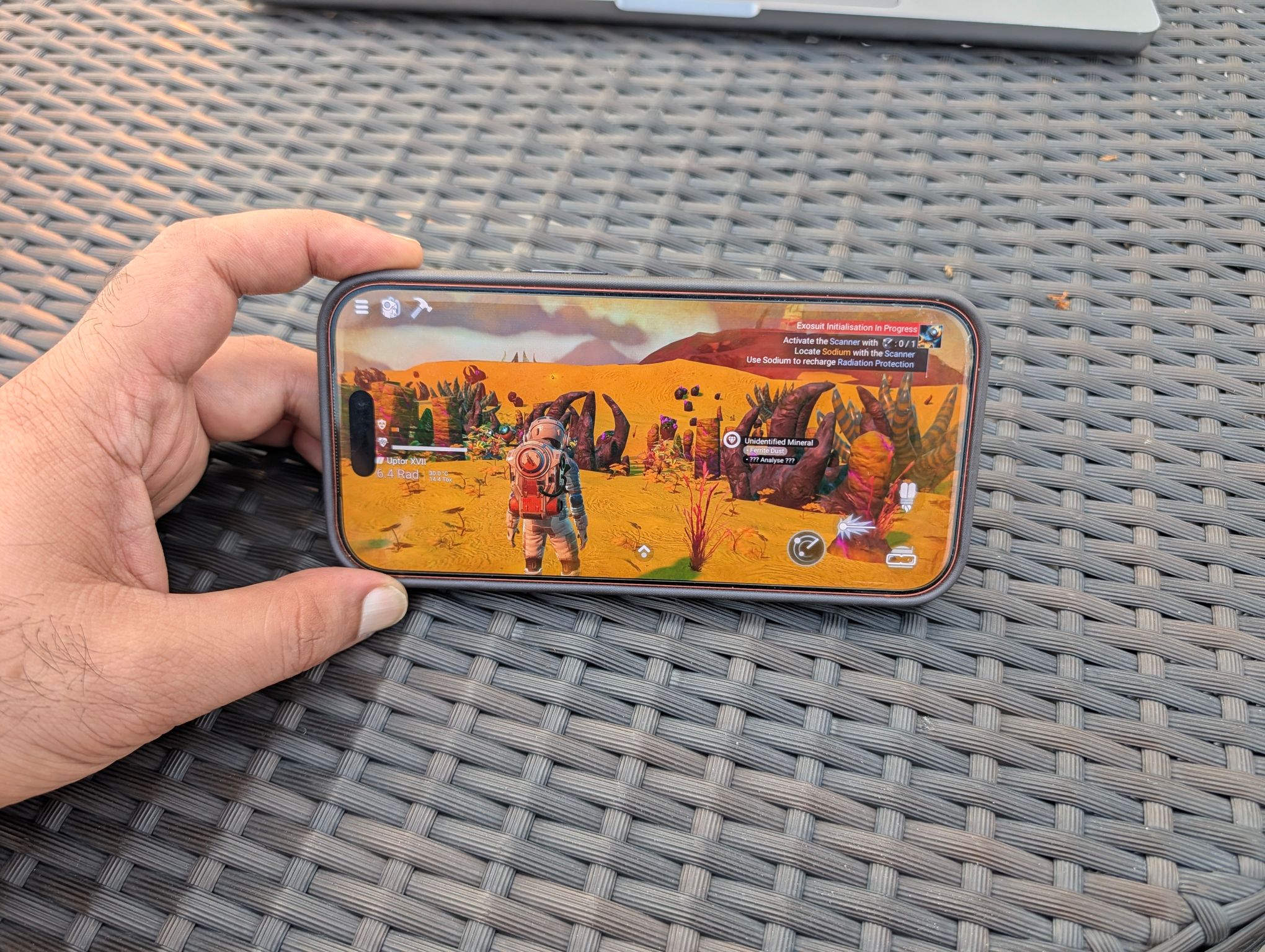
It’s finally here, and there’s no two ways about it. No Man’s Sky for iOS, originally announced by Apple at WWDC 2022 for the Mac and iPad, is now officially available on the App Store. This is not an Apple Arcade game, this is a full-featured, mobile version of the incredible original PC and console version. The journey Hello Games has been on since releasing a shoddy, incomplete version of this highly anticipated game exactly ten years back is nothing short of astounding and spectacular.
Ten Years In The Making
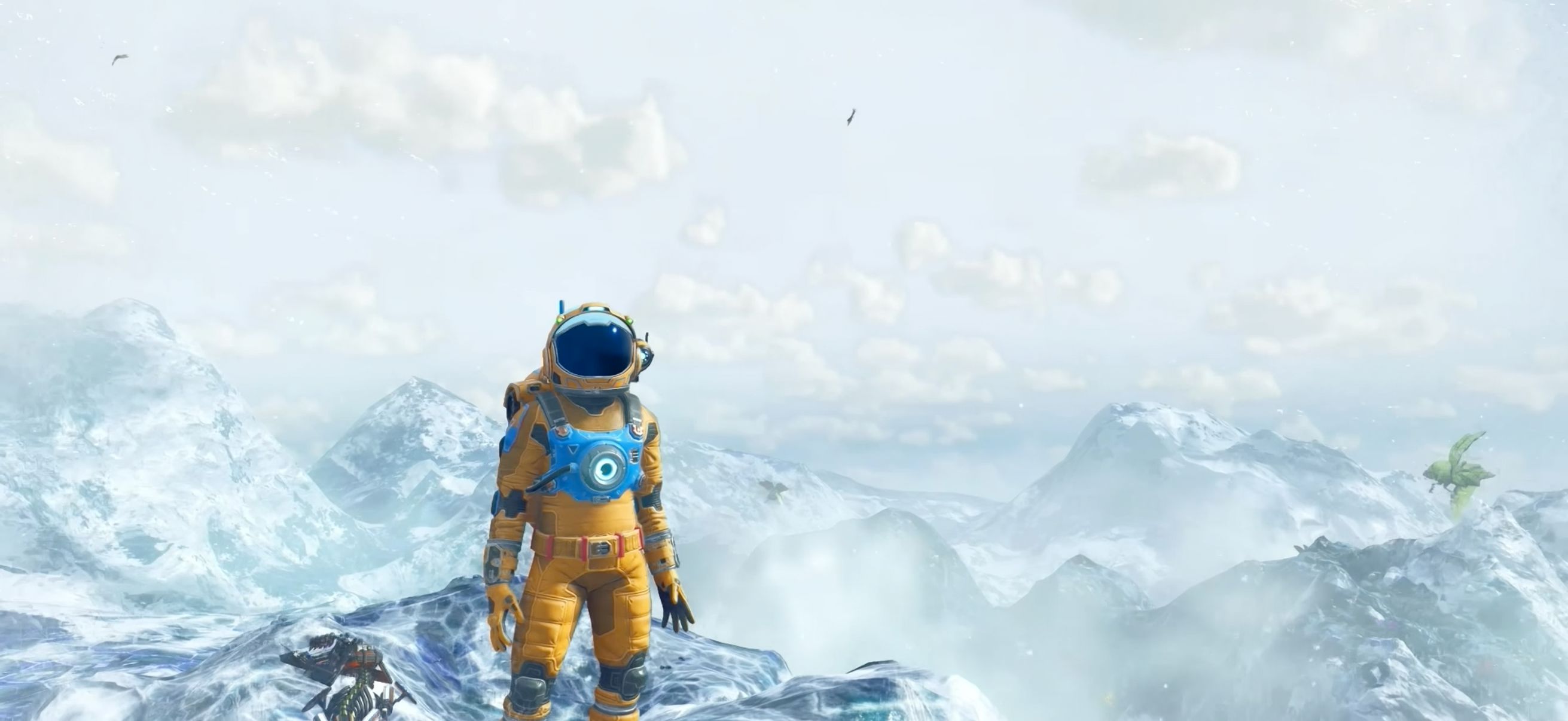
Initially taking a massive amount of criticism, even hate, from media and fans alike, Hello Games, without really offering an explanation, went back to the drawing board, and piece by piece worked on every aspect that was broken and needed improvement. Over a slew of free updates No Man’s Sky evolved into a solid, rewarding, fun and deep game with a unique perspective, pulled off to perfection, but with time and patience. The initial bunch of critics were silenced and eventually converted to hardcore loyal fans of the game and the developer, won over by the studio’s integrity in delivering what they promised.
Apple’s WWDC 2022 Promise
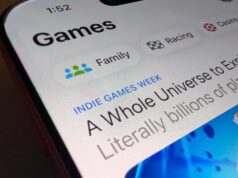
No Man’s Sky eventually became one of the defining games of this generation. When Apple announced that the game would be hitting iOS in 2022, I belonged to the party that believed that if this was pulled off well, it could finally be the thin line that kept the iPhone from being recommended as a purist gamers’ device. And sure enough, a long wait of another four years, and the prophecy made in 2022, has been delivered, with flying colors. No Man’s Sky officially launched on App Store on October 28, 2026, as part of Apple’s Indie Games Week.
A True Engineering Marvel
From a technical standpoint, No Man’s Sky is nothing short of cutting edge. On iOS, it doesn’t use online streaming to render its massive space exploration maps. Hello Games were conscious of the limited space available on iPhones and iPads and rewrote the game from the ground up so that instead of downloading the maps, it renders them live using the phone’s local processing power. This is the reason why the vast and expansive world of No Man’s Sky uses just below 4GB of data. On the PC, the same game uses 14GB of data. Hello Games were so in-tune with the ‘ground level’ irritants iPhone users face, that they eventually delivered the full game using 70% less data. This wasn’t an easy feat. The game had to be optimized in a way that all iPhones would be able to run the game.
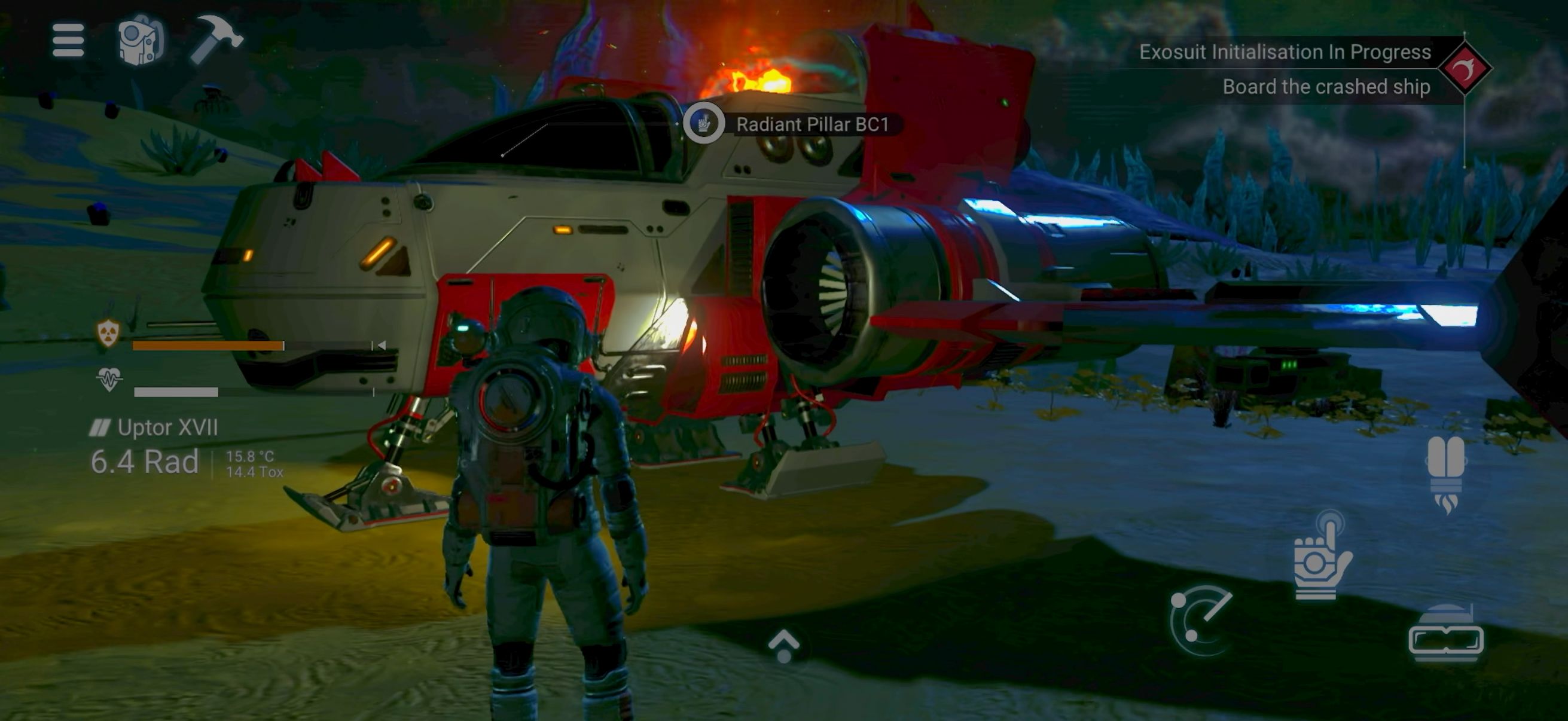
And thus, it is truly a sight to behold that No Man’s Sky supports all models, iPhone 11 onwards. Let that sink in. A full-featured PC/console game, with a never-ending map, being able to run on a phone. That is the optimization treatment the game received and if that doesn’t make you stop for a second just to appreciate the effort put in, I don’t know what would.
The game is free-to-download, and free to try. A the free to try bit isn’t a gimmick. You get to properly play the game and test out its performance on your device, and experience the immersion the game offers, before deciding to spend $19.99 (INR 2,000) to buy the full game. Hello Games incorporated every single update it released in the past 10 years, on Day 1 in the iOS version. The game was re-coded to have to touch-controls that felt natural, instead of just a translation from the PC/console version. It also fully supports controllers, a keyboard and mouse (including native support for the Magic Keyboard).
Even though none of the features and content of the game get a miss, multiplayer received a glaring omission, including a community favorite feature: cross saves. Hello Games has won its audience over well, with many fans who already own the game on the PC and/or console, ready to dish out full asking price for the iOS version, only to be left disappointed that they can’t bring their saves over to the iPhone. Still, it didn’t stop them from downloading and playing the iOS version, which speaks volumes about the trust gamers have in Hello Games. This is the kind of gaming story writers like me live to tell.
Another feat pulled off by No Man’s Sky that is equally impressive is that it is one of those rare games that uses the Havok physics engine. This is the same engine used in tons of AAA PC and console games, even GOATs like Dark Souls. While it is not the only game that’s been able to bring Havok physics to the handheld devices (Modern Combat 4, Black Desert Mobile), it still strengthens the game’s engineering standpoint.
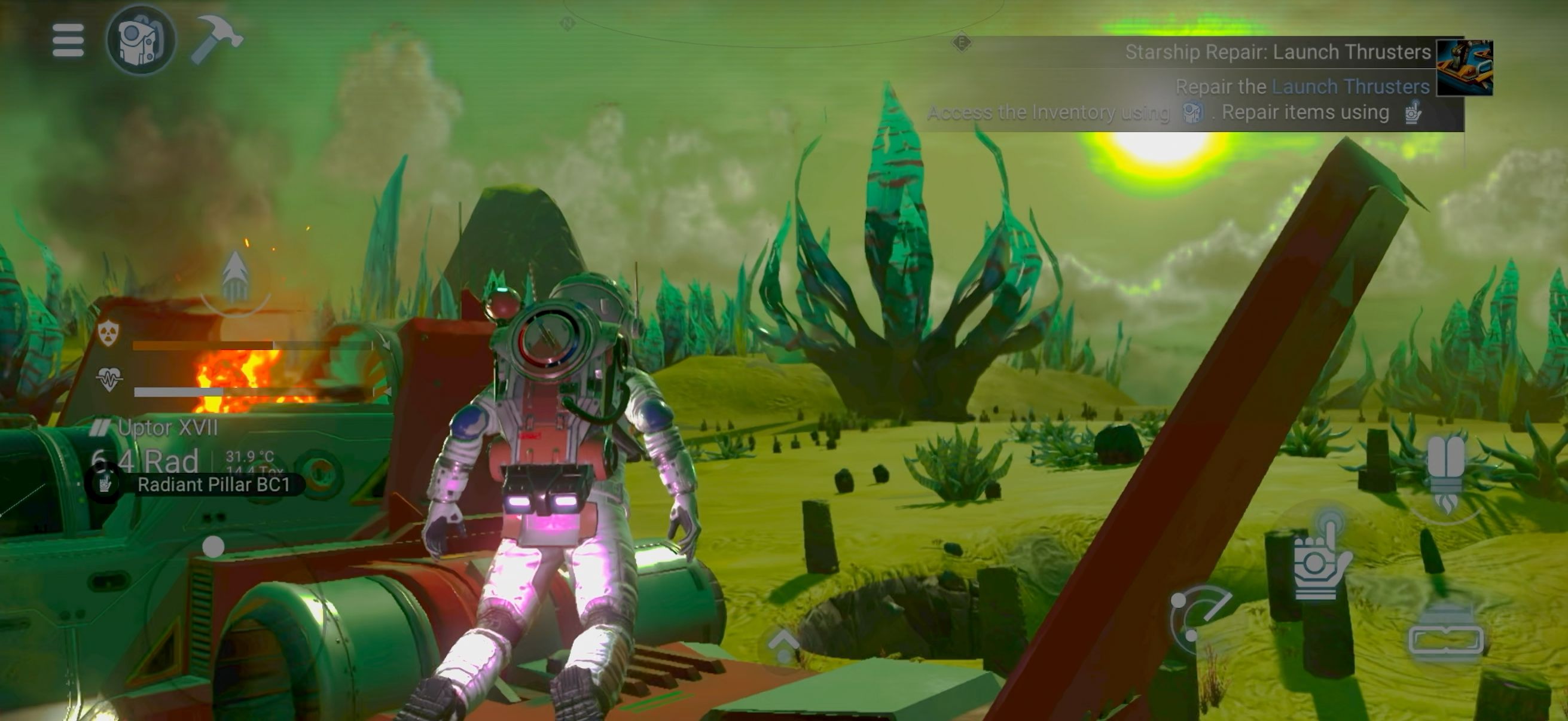
The game’s graphics, while not at the level of the PC, are still impressive, but some would argue that they’re strictly mobile tier. There are some features that set it apart though. You can see some ray tracing taking place, especially in the characters and some interactable objects. They look great, and honestly, for the first few minutes I experienced them, I was impressed to see those effects on my phone.
On touch, the game feels at home. For me, shooting took a while to get adjusted to with touch, but by the second chapter, I had developed the muscle memory to do it accurately. Some icons may seem small at the beginning, and be off-putting, but giving the game a little time investment made my brain adjust. Both of these mentioned aspects are natural, and might seem problematic at first, but resolve themselves with time. With a controller, the game will feel right at home, just like it did with the keyboard and mouse. But really, why would one play No Man’s Sky on their iPhone with a controller/keyboard-mouse?
No Man’s Sky iOS (iPhone and iPad) Performance
Due to the ground-up low-level coding of the game, it supports Apple’s version of DLSS (resolution scaling) called DRS (Dynamic Resolution Scaling) natively. DRS’ algorithm isn’t a Deep Learning one, so obviously, it is not as advanced as Nvidia’s DLSS and AMD’s FSR. You can choose the point of scaling and the aggressiveness of its implementation. You can also cap the framerate to your liking, as per your device, or leave it uncapped. We suggest capping the FPS to get optimal performance.
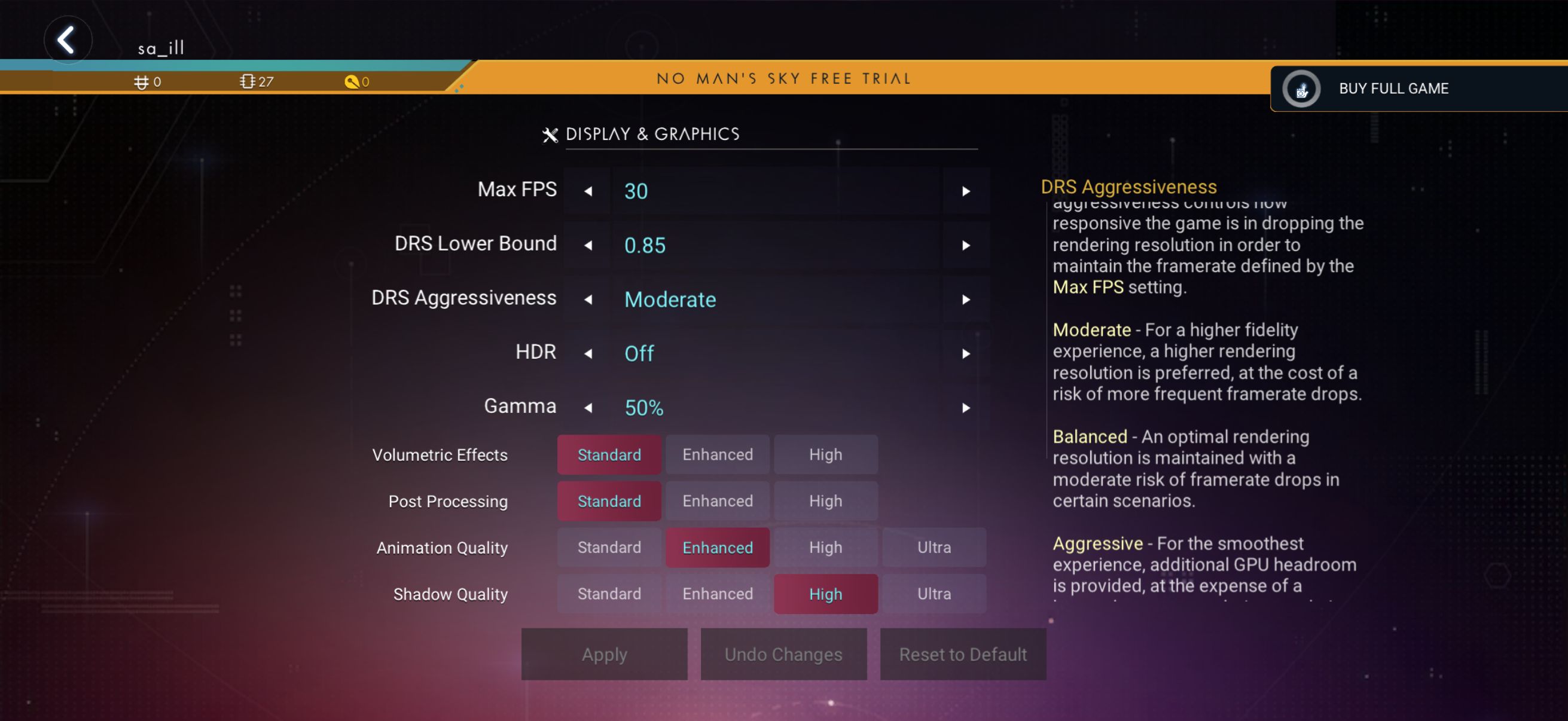
You can adjust a few of graphical settings within the Graphics Options Menu: Volumetric Effects, Post Processing, Animation Quality and Shadow Quality. By default, the Max FPS is set to 30, and all graphics sliders are set to Standard.
Here are the devices that are able to run the game locked at 60 fps:
- iPhone 18 Pro Max: holds 60fps at Ultra, no thermal throttling, moderate heat
- iPhone Air: solid 60fps at max settings, DRS 0.90, moderate heat
- iPhone 17 Pro Max: 60fps on High but runs hot. Setting a frame rate limit fixes it.
- iPhone 16 Pro Max: 60fps at default settings and barely gets warm
- iPhone 15 Pro Max: 50-60fps at default settings
- iPad Air M4: locked 60 on default settings, DRS 0.75
Here are the devices where the game is playable, but not at 60fps:
- iPhone 13 Pro Max: solid 30 on High with manageable heat.
- iPhone 17: steady 30fps with High Settings
- iPhone 16: steady 30fps on default settings
- iPhone 16e: steady 30fps on default settings
- iPad (A16): 40fps on High
Heat, Battery and Stutter
Almost every device stutters for the first 15 minutes with the game, until it smooths out. Key here is not to panic and keep playing, the game is compiling shaders in the background. We have not experienced any screen dimming on the iPhone 17 Pro and 18 Pro. The iPhone Duo does have some reported instances of screen dimming and throttling, and even excessive heating. iPhone 16 Pro onwards, the device loses roughly 20% of battery life after a 30-minute No Man’s Sky session.
So there’s a pattern over here, Pro models post the iPhone 13 do well with No Man’s Sky. iPhone 15 Pro onwards is where you can truly experience 60fps performance. Almost all iPhones face heating issues. Our own iPhone 17 Pro had surface temperatures of 42 degrees Celsius (back panel) after a thirty-minute session with the game. That is when the ambient temperature is around 28 degrees Celsius. Expect the game to throttle when ambient temperatures exceed 35 degrees Celsius.
The key to reducing heat, throttling and improving overall performance is to set a framerate cap depending on the device: 30fps for phones older than the iPhone 13, and 60fps for the later models. It goes without saying that our 17 Pro and 17 Air did really well with the framerate uncapped, with the exception of the odd jitter.
Conclusion: Is No Man’s Sky on iOS Worth It?
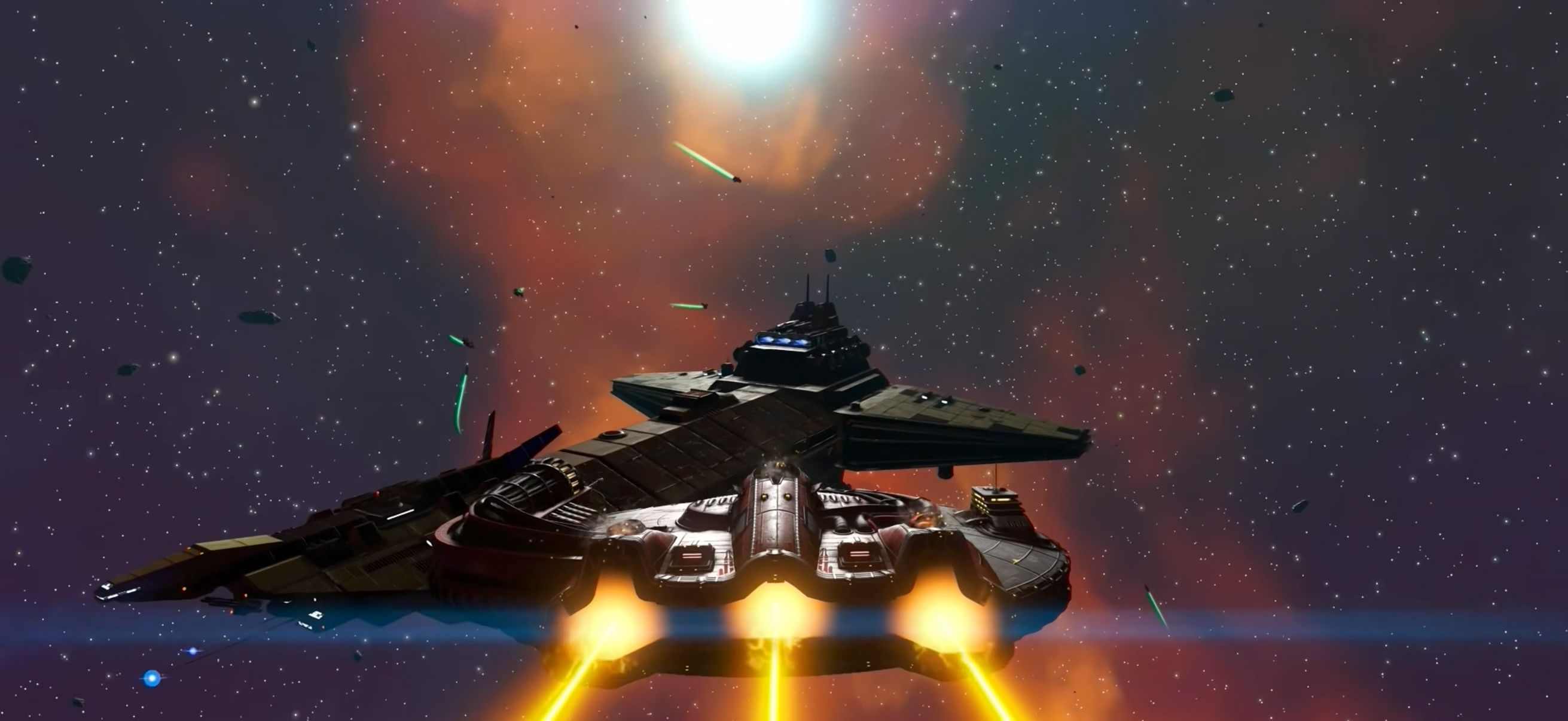
So where does that leave us? Ten years, forty-odd updates and a four-year wait after that WWDC 2022 promise, No Man’s Sky on iOS is, for the most part, exactly what Hello Games said it would be, the full game (not a Lite version, not a cloud-streamed compromise, the FULL game) sitting in under 4GB on a phone, which still feels a little absurd every time we say it out loud.
You can catch the drift if you haven’t already, the iPhone finally has a proper, no-asterisks console game on it, and it’s one that took a decade to get right.
Is it perfect? Not quite. Multiplayer is missing, there’s no cross save, so the hundreds of hours you’ve poured into the PC or PlayStation version stay right where they are. Then there’s the stutter for the first fifteen minutes or so, which will have you convinced something is broken (it isn’t, just keep playing), and a handful of bugs, none of them anything to lose sleep over, that we fully expect a patch or two to iron out. Hello Games has said multiplayer and cross save depend on how well the game does, which, knowing this studio and its track record, we’d read as a “maybe” rather than a “no”.
At ₹2,000, for a game with ten years of content baked in and a free trial that lets you check whether your phone can actually handle it before you spend a rupee, it’s an easy recommendation for anyone with an iPhone 13 or newer, and a fair gamble for the owners of the previous models. You can catch the drift if you haven’t already, the iPhone finally has a proper, no-asterisks console game on it, and it’s one that took a decade to get right.